Home services
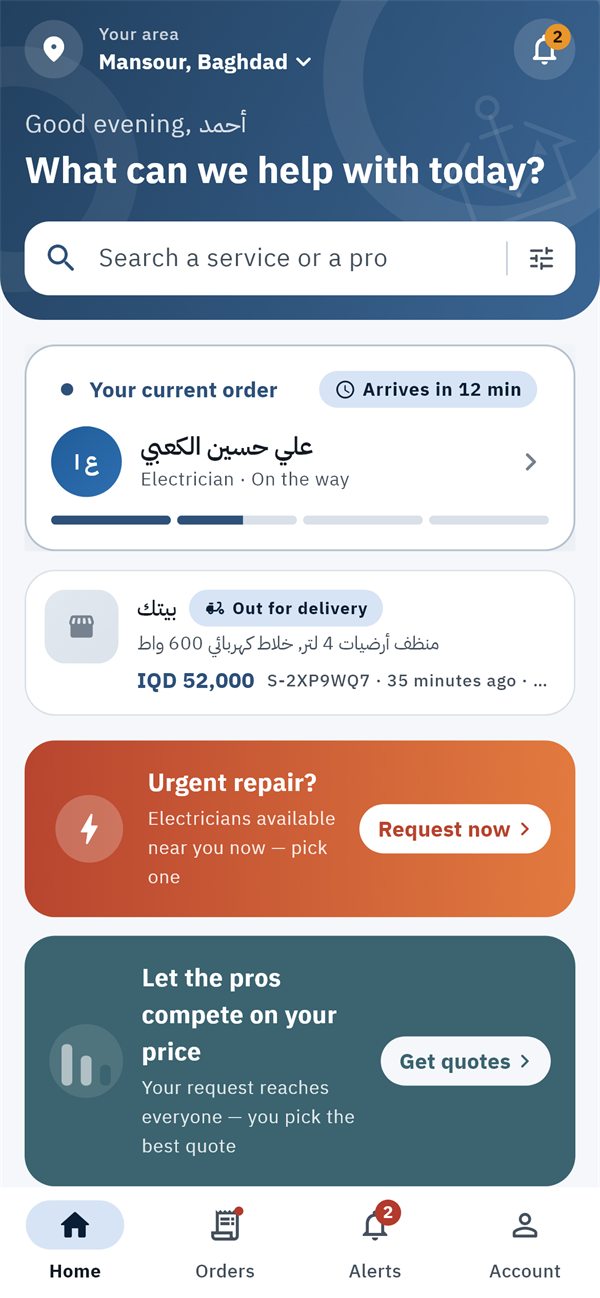
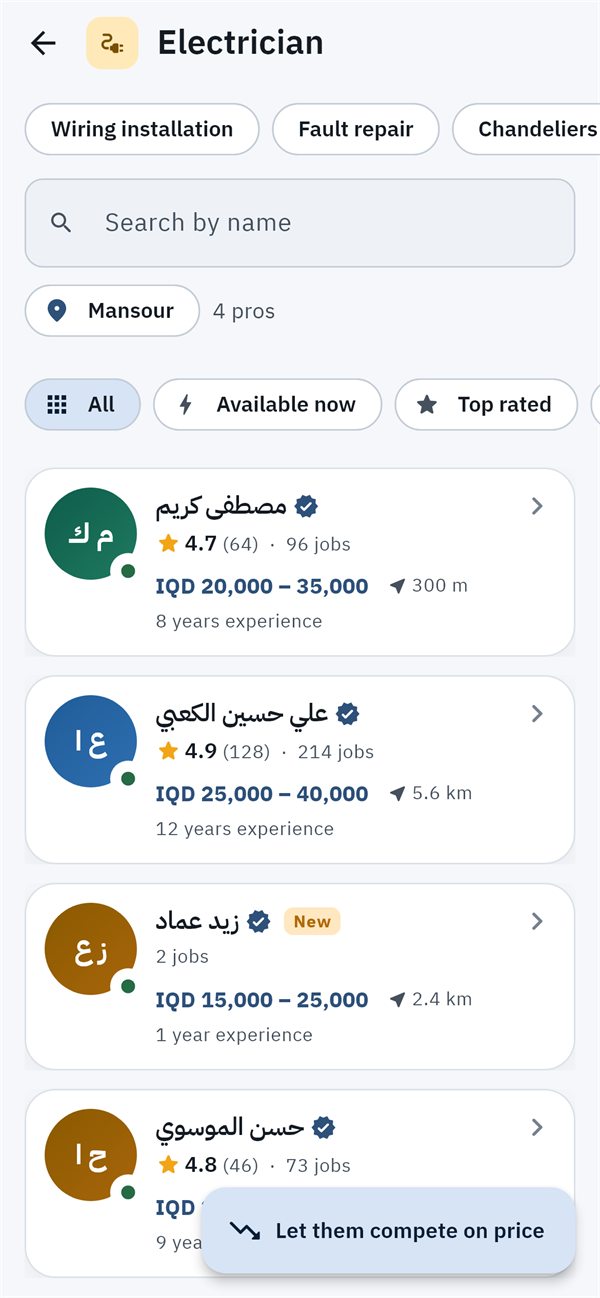
The pro comes to you. Pick them yourself by name, rating and their price for the exact job — or let pros compete on your price.
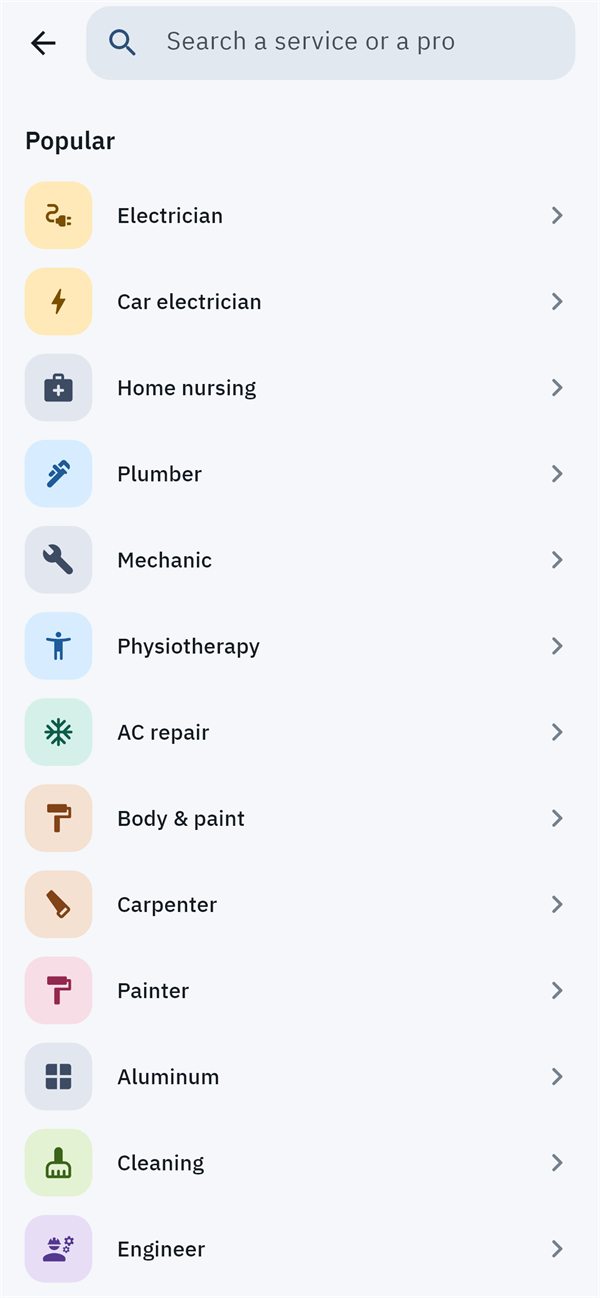
- Electrician
- Plumber
- Carpenter
- Painter
- AC & cooling
- Home nursing
A pro who comes to your home — chosen by you, priced before they arrive. A slot at the barber or salon without the wait. A local store that delivers to your door, paid in cash on delivery. An auction to sell what you no longer need. All on Captain.
From fixing the wiring to booking a haircut, from a new gadget to something used you want to sell — with one account and just your phone number.
The pro comes to you. Pick them yourself by name, rating and their price for the exact job — or let pros compete on your price.
You go to the shop. Book an exact slot or take a queue number, see how many are ahead of you from home — and get a heads-up when your turn is near.
Browse nearby stores, add to cart and order — delivered to your door, paid in cash on delivery, protected by a pickup code.
List your used item with photos and a starting price, let buyers bid until the last minute — and hand it over in person.
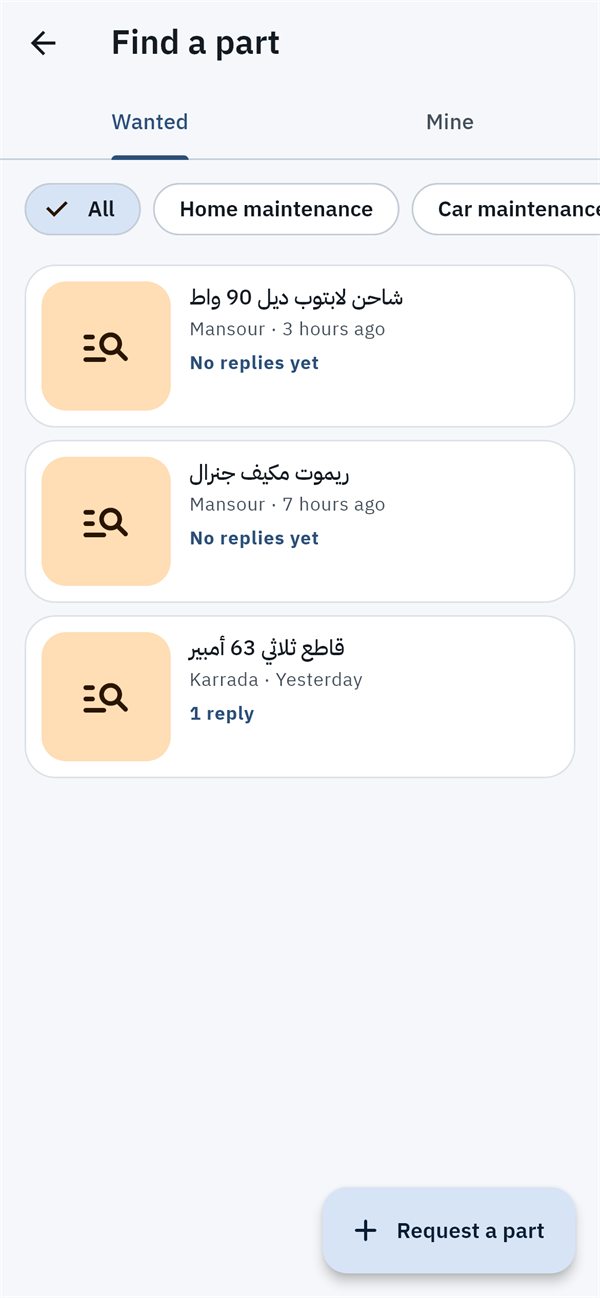
Can't find the part you need? Post it on “Find a part” with a photo and description — nearby stores and pros reply with a photo and price, and you choose.
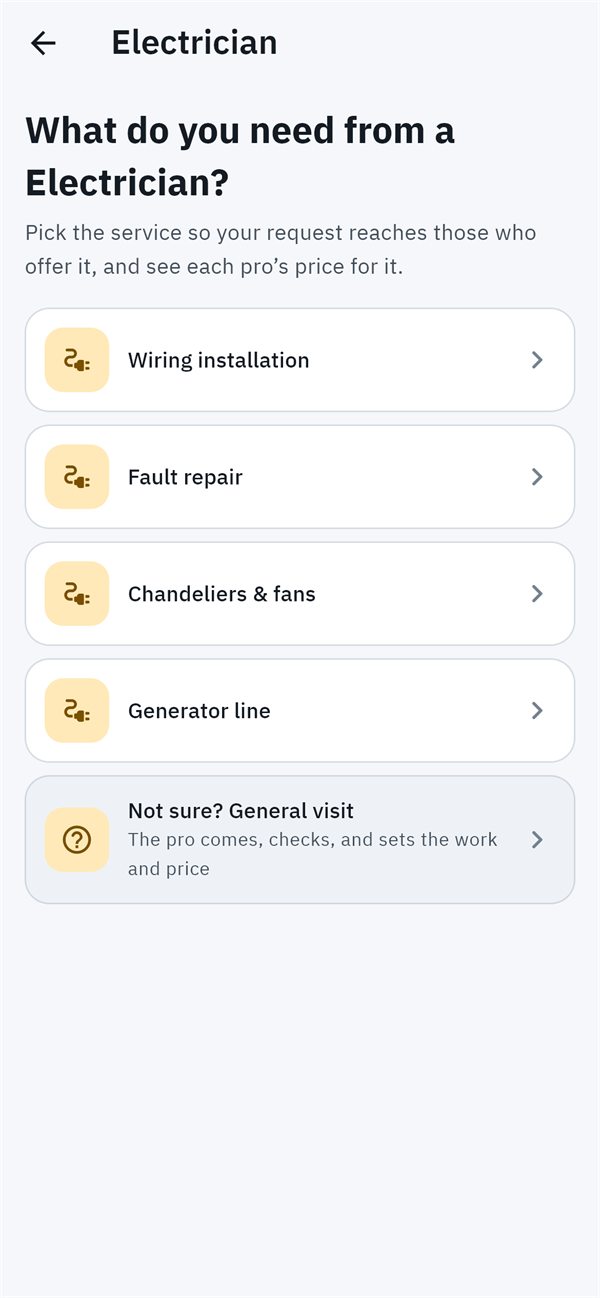
We never just send someone. You see pros with their ratings and prices and decide, or you ask for quotes and pick the best one.
For when you know what — and who — you want.
For the best price with the least effort.
Follow your pro on the map, and get “your pro is nearby” before they knock.
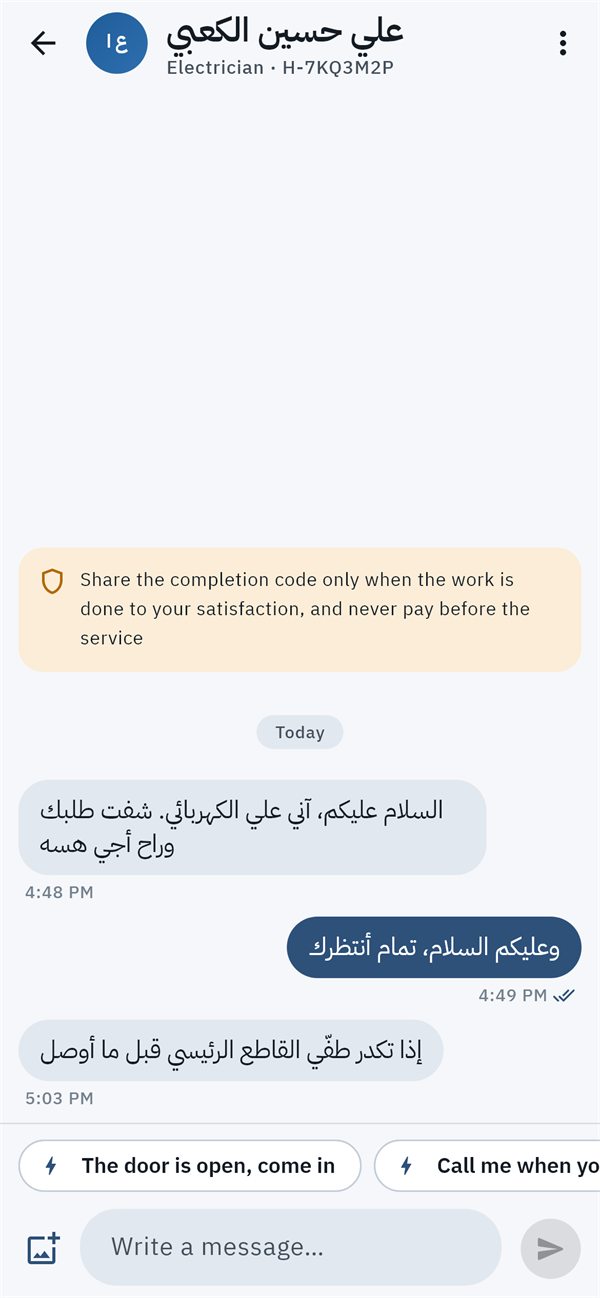
Message the pro, shop or store from inside the order, and send a photo of the problem.
Any extra part or item comes to you with its price, and joins the bill only if you approve.
The job closes only with a code that you hold — give it to the pro when they're done.
Reviews only from people who actually used the service, and a report button on abusive ones.
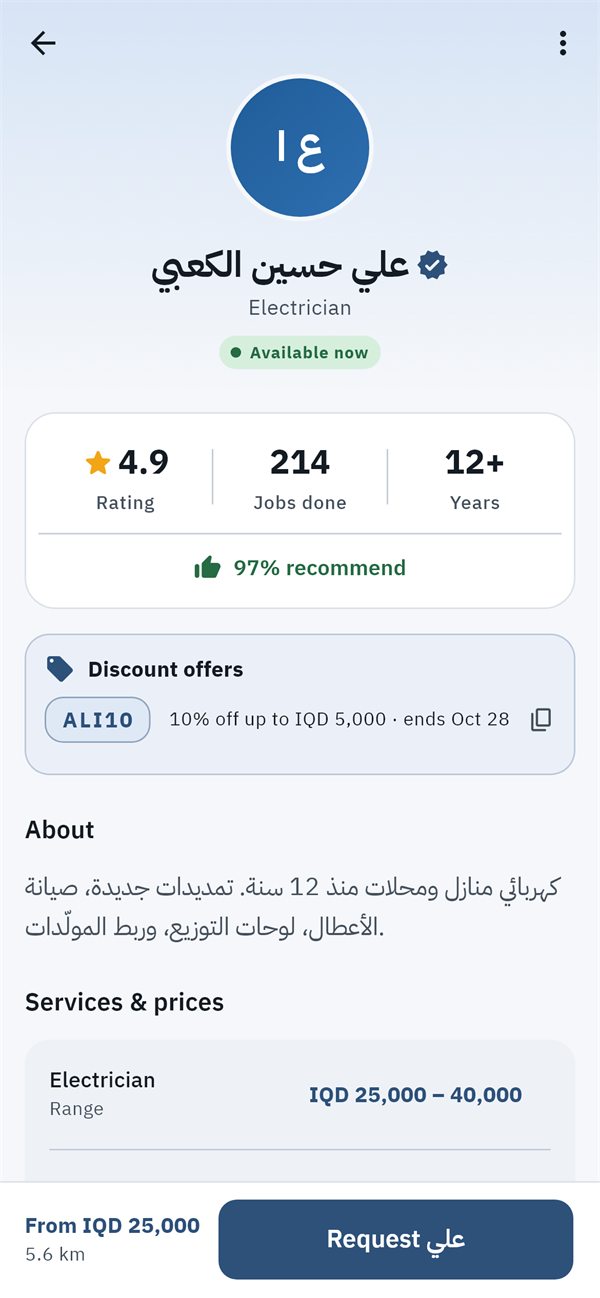
Providers publish their discounts; enter the code on your request, booking or cart.
Your latest orders and bookings are saved on your phone, even without a connection.
A comfortable interface in your language and mode, with clear type on every screen.
Once a pro accepts, follow each step: on the way, arrived, working, done — with an estimated arrival time.
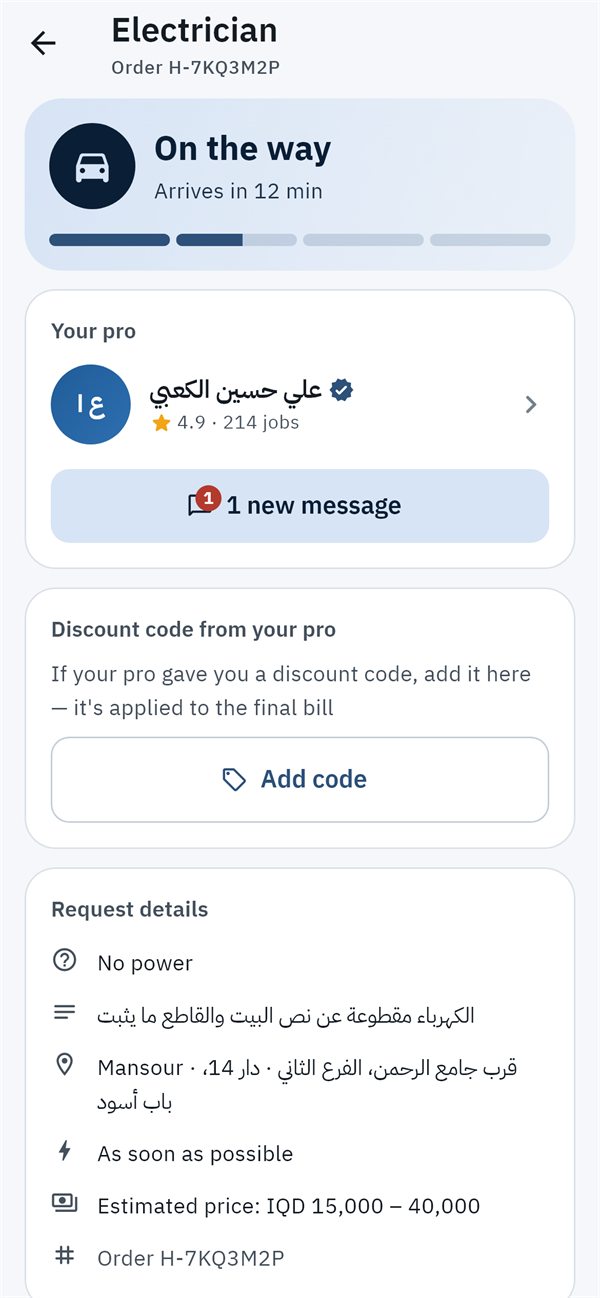
Pick the shop, the services you want and the time — or take a queue number and see how many are ahead of you.
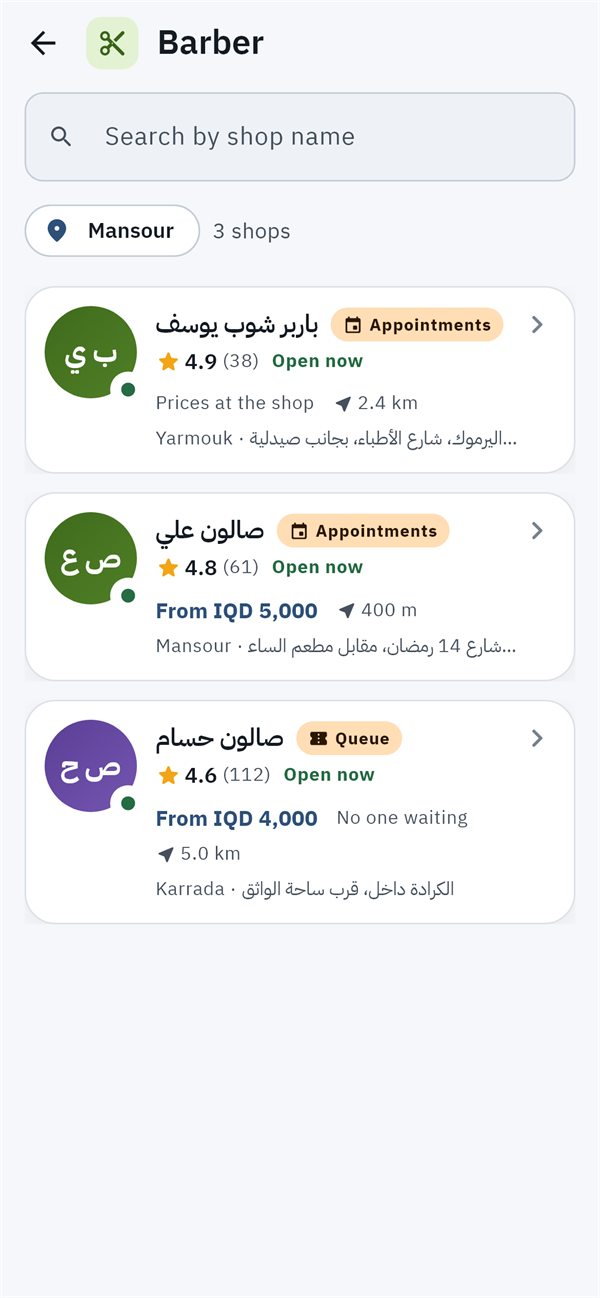
Products with photos, specs and prices, a cart and checkout in a few steps, and the store delivers to your door.
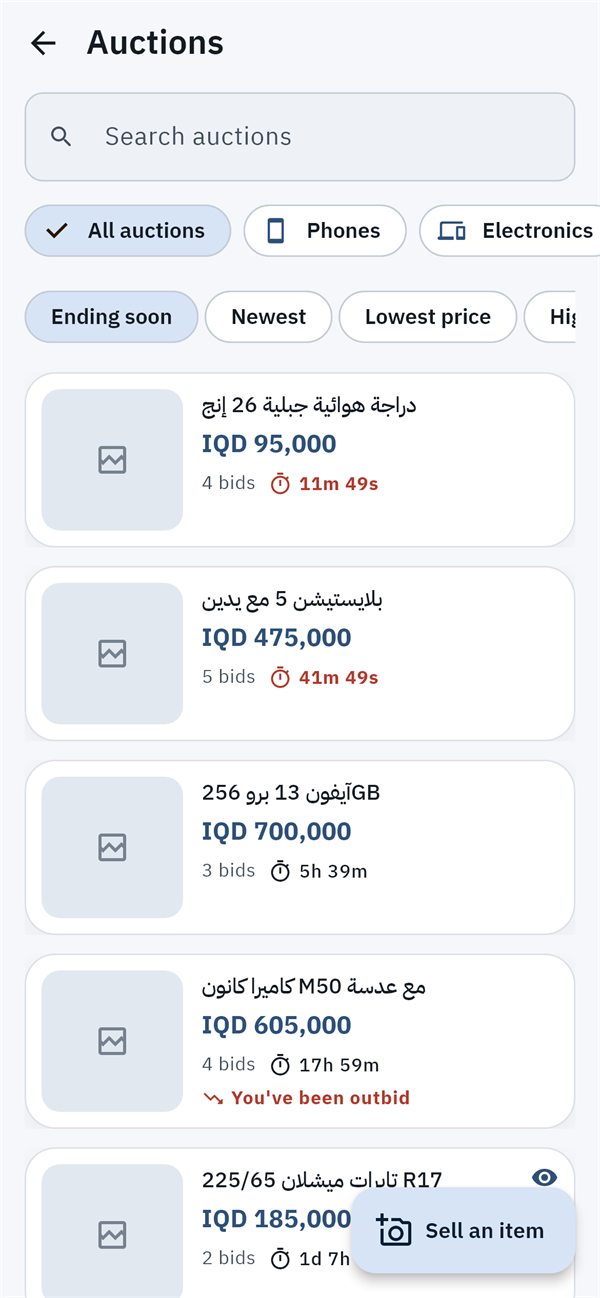
List it with photos, a starting price and a duration, and let the bidding run. Buyers can also take it right away with “Buy now”.
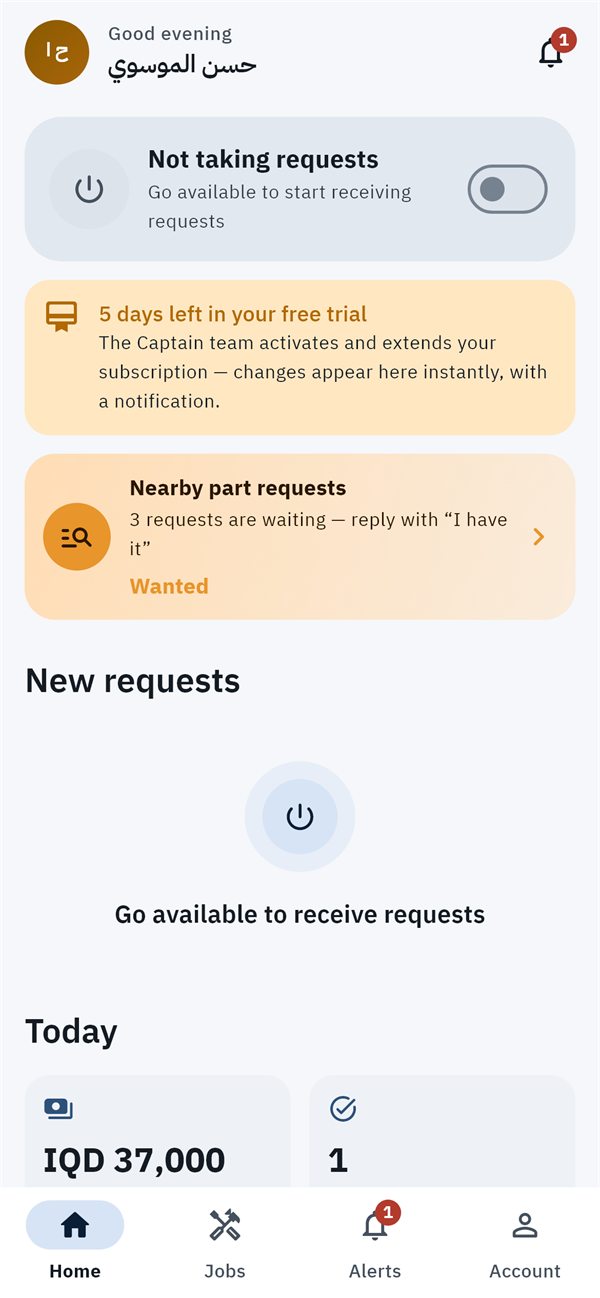
Customers in your area reach you directly, and you control your services, prices and hours — with no commission on your work.
Your details, your work and areas, and your documents (national ID, residence card, and a practice licence where required) — our team reviews them and lets you know.
Price each service per visit, hour, day, square metre or unit, or after an inspection — customers see your price before they request.
Customers choose you by name; the request comes straight to you with time to accept or propose a time that suits you.
“Best price” requests in your area reach you — send your price and see where it ranks.
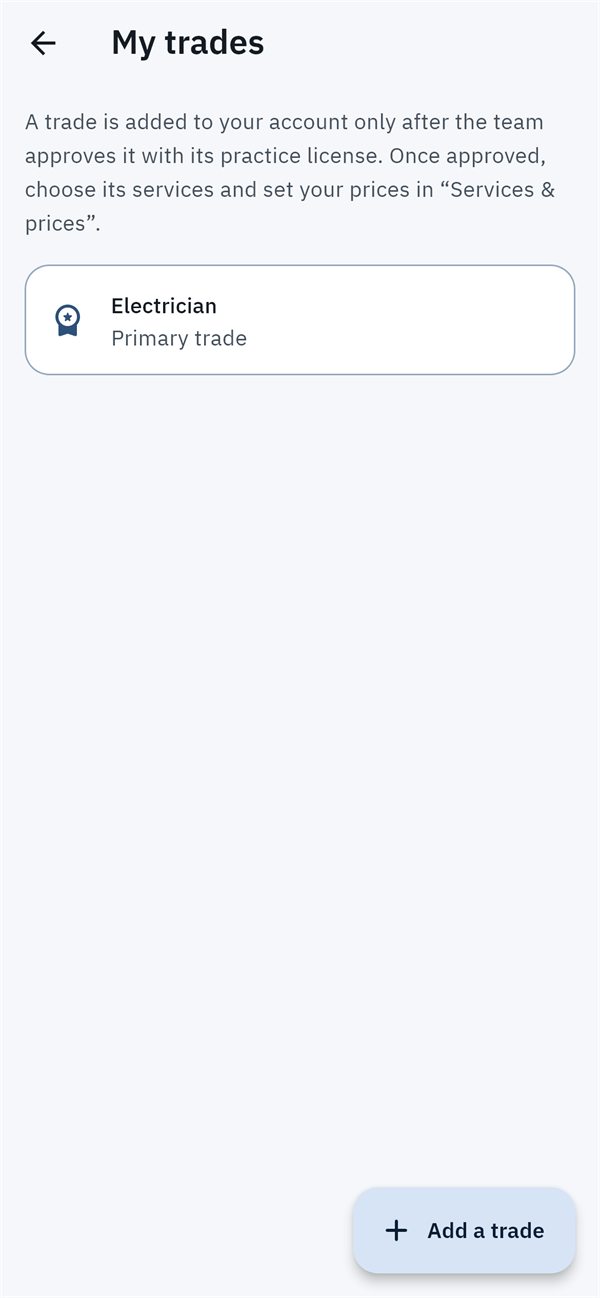
Work in a second trade? Request it with its documents; once approved, price its services and receive its requests.
Slots or a self-running queue, products with stock, orders by stage, and delivery confirmed by scanning the customer's code.
Every rule here is enforced inside the system itself — not just a promise.
No one joins without a review of their ID, residence card and trade documents.
Pros see only the area and the problem; your address and number after they accept.
Report any message, review, product or profile, and block any user — our support team reviews.
We don't sell your data or use it for ads, and a pro's location is sent only while the app is open.
Providers are adults, and the app is for adults.
From inside the app — your name, number, addresses, documents and photos are erased.

Yes. The app is free for customers; you pay the service fee or the price of goods directly to the provider — we don't charge you anything extra.
In cash, by hand: to the pro when the job is done, at the shop when you visit, or to the driver when your store order arrives. The agreed price and any items you approved are written in the app.
Areas open one after another. If yours isn't open yet, join the waitlist in the app and we'll let you know as soon as it opens.
Every provider joins after a review of their ID and documents, and you see reviews from customers who actually used them, their number of jobs and years of experience — and you choose.
If they don't reply or decline, pick someone else for the same request. The job only closes with your completion code, and if there's a problem you can open a dispute from the order for our support team to review.
Download the app and tap “Join us as a pro”, choose your door (home service, shop or store), fill in your details and upload your documents. Our team reviews your application and notifies you of the decision.
In the app: Account → Delete my account. Or without the app, from the delete account page.
The app is in its final stage before launching on Google Play and the App Store. Stay tuned and be among the first to try it.